Home › Classroom tools › Noise meter › Sleeping Pets Noise Meter
Sleeping Pets Noise Meter
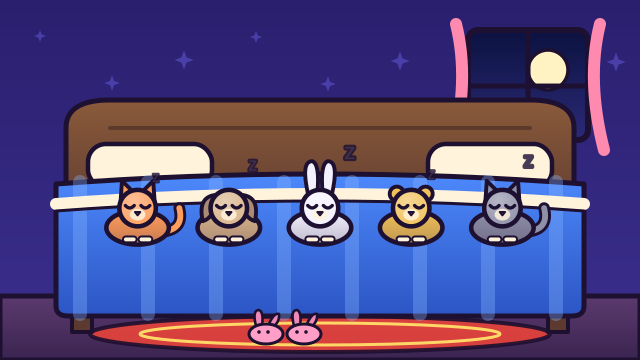
Barry's pets are curled up asleep on his bed. Too loud and one leaps off the duvet and hops out of the room. A quiet streak brings one back. We only measure how loud the room is. Nothing is recorded.
We only measure how loud the room is. Nothing is recorded. Free, with no sign-in. Press Start listening, then Full screen to fill the board.
How the noise meter works
- Put the meter on the board and pick a scene: owls, birds, fireflies, pets or sheep.
- Drag the line on the noise bar to how loud is fine for this activity: whispers, quiet talk or group work.
- Press Start listening and allow the microphone. A red "Listening" light shows on the picture while it is on.
- While the class stays under the line, the creatures sleep. Near the line, some open one eye.
- Over the line for about a second and a half, one startles and leaves. A cough or a dropped pencil only makes them stir.
- A quiet streak of 10, 20, 30 or 60 seconds brings one back. Press Stop listening when you are done: the microphone turns off.
What each voice level means
- Whisper: Only your partner can hear you. Good for tests, reading and pair checks.
- Quiet talk: Your table can hear you, the next table cannot. Good for pair work and quiet games.
- Group work: A busy, working room: everyone is talking, nobody is shouting. Good for group tasks and mingles.
- Too loud: Anything over the line you set, wherever you put it. The bar turns red and the creatures start to wake.
Every noise meter
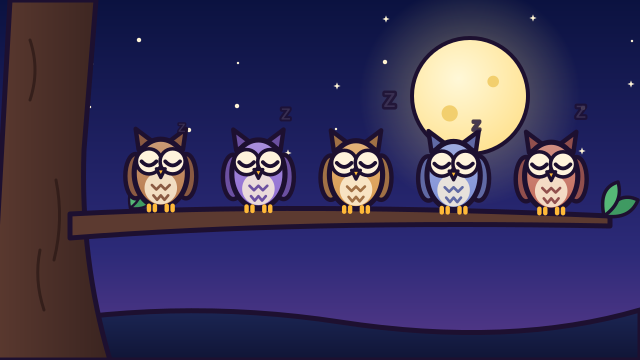
- Owl Noise Meter (Owls on a branch): A row of owls dozes on a branch in the night wood. Too loud and one spins its head right round, then swoops off into the dark.
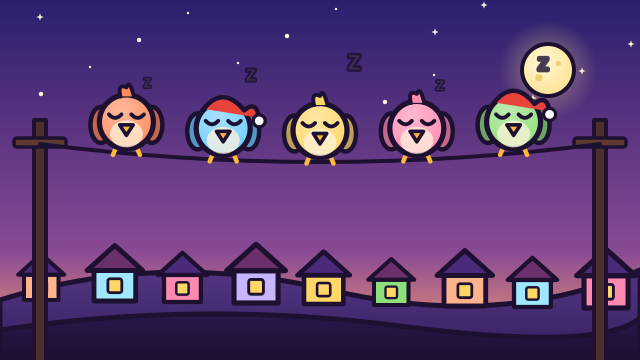
- Birds on a Wire Noise Meter (Birds on the wire): Little birds sleep on the wire over Moon Town at dusk. Too loud and one squawks and flaps off over the roofs.
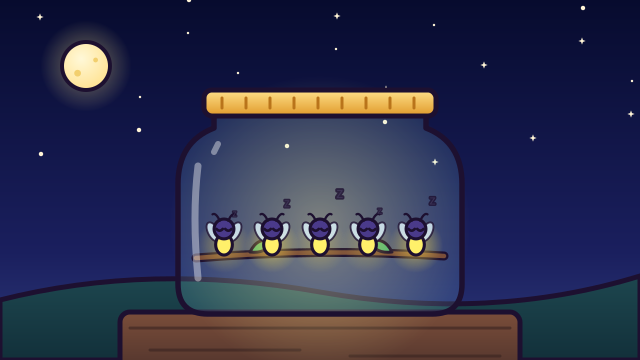
- Firefly Jar Noise Meter (Fireflies in a jar): Fireflies glow softly in a jar. Too loud and the lid pops off and one zips out of the top. The jar grows dimmer as they go.
- Sleeping Pets Noise Meter (Barry's sleeping pets): Barry's pets are curled up asleep on his bed. Too loud and one leaps off the duvet and hops out of the room.
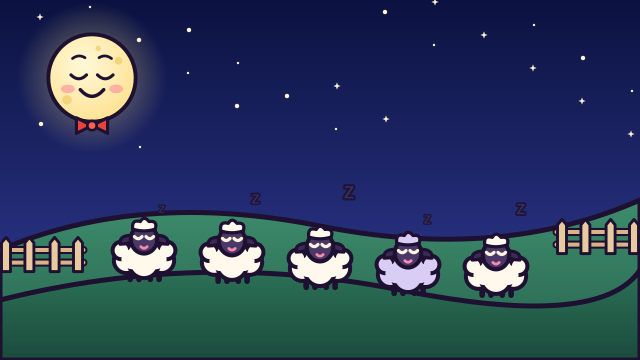
- Counting Sheep Noise Meter (Mr Moon's sleepy sheep): Mr Moon is counting sheep, and they have nodded off too. Too loud and one bounds away over the fence. Mr Moon opens his eyes when the class gets close to the line.
Three ways to use a noise meter in an English class
A quiet start
Put the meter up as the class comes in and set the line to whispers. Count the sleepers together, then start the first task.
Students say: “Shh, the owls are sleeping.” “How many owls are there?” “Let’s whisper.”
Pair and group work
Move the line up to quiet talk or group work, turn on the goal timer and agree how many to keep. At the end the class says how they did.
Students say: “We kept four birds!” “How many are left?” “One flew away.”
Earn one back
When one leaves, stop and breathe, then try for a quiet streak. The bar on the picture shows how long is left until one comes back.
Students say: “Can we earn one back?” “Quiet for ten more seconds!” “It came back!”
Questions teachers ask
Is the classroom noise meter free?
Yes. It is free, with no sign-in. Open it and press Start listening.
Does it record my class?
No. We only measure how loud the room is. Nothing is recorded. The sound is turned into one loudness number in your browser and never leaves the device. The microphone turns on only when you press Start listening and turns off when you press Stop, when the round ends and when you leave the tab.
Does it work on an interactive whiteboard?
Yes. It runs in the browser on a whiteboard, a projector or a TV, and Full screen fills the board. The computer needs a microphone: a laptop's own microphone or a webcam is enough.
What if the microphone is blocked?
A card tells you how to allow it: click the padlock or the microphone picture beside the web address and choose Allow. Or carry on without it: tap the "Too loud!" button when the class is noisy and one creature leaves.
Can I set how loud is too loud?
Yes. Drag the line on the noise bar, or use the up and down arrow keys. There are ten steps, from whispers only to busy group work, and the meter remembers where you put it.
Does it work on a phone or tablet?
Yes. It works in the browser on phones, tablets and Chromebooks. On a small screen the cards sit under the picture, and Full screen fills the screen.
What is the difference between the noise meter and the noise timer?
The noise meter runs for as long as you like and the creatures come and go. The noise timer counts down a set time while a monster sleeps, and stops if the class wakes him.
Noise timer: Shh! Monster asleep · Scoreboard · All classroom timers · All classroom tools · Browse the game library